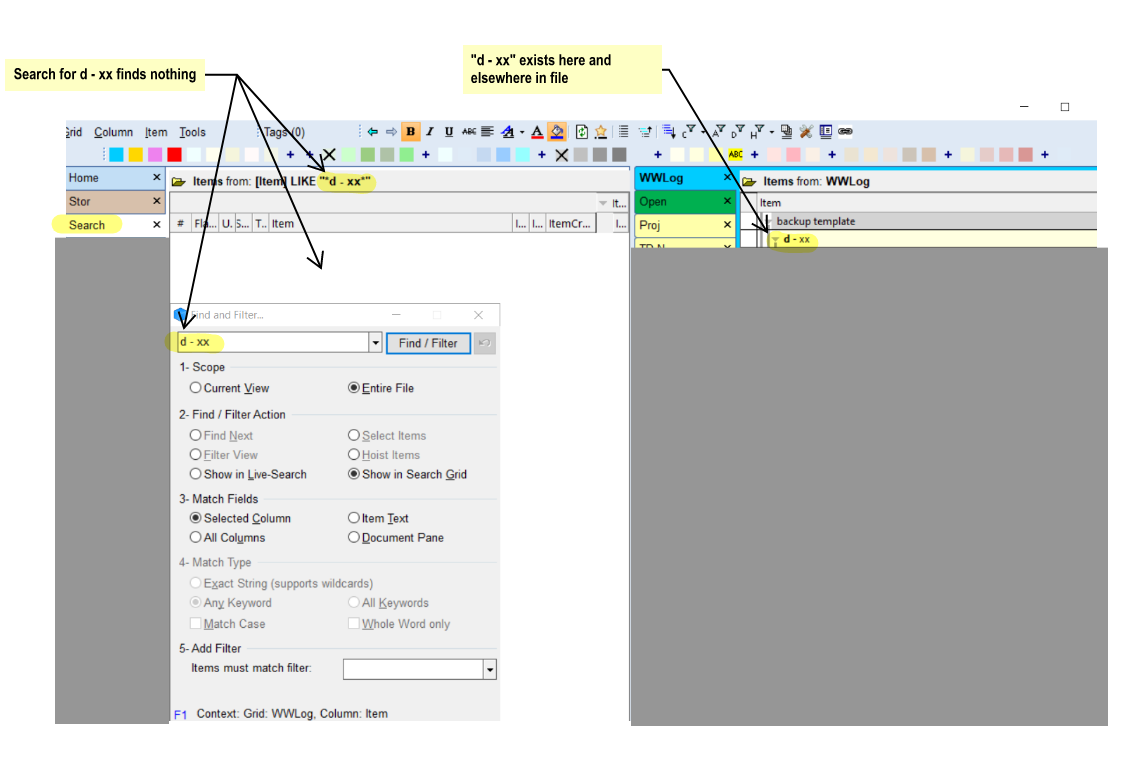
Launching tags from Tags grid

Submitted by WayneK on 2026/07/31 09:49
Forums

1) Is there any way to launch tags directly from the tags grid? 

2) Can I display the Tags field in the Tags grid and assign tags to themselves so I can launch them from the Tags grid? 
 

#2 works but it's a big job to manually assign everything and I don't know if it would cause unforeseen problems.

I'm not asking for a new feature, just what's available now that I might not be seeing.  I re-read the manual and didn't find anything there.  Was hoping the TagID column would display links like the Tags field does, but it doesn't.

Wayne

How do I Delete Old Alerts?

Submitted by viking on 2026/07/30 22:33
Forums

I have an item that repeats once/day and I have set the alarm at the time.

I have changed the time several times and I now have a lot of alerts including the old alert times.
I have tried to select "Dismiss: All Reminders" for the old times, but it doesn't help. They keep coming back.

I only want to delete the old alert times (not the item).

8 or 9 or any number day view

Submitted by Maxbear35 on 2026/06/24 19:40
Forums

I seem to have lost (or forgoten) how to set a 8 day view in the calendar. This is especially embarrassing as I was the one who actually suggested it in the first place. Does anyone know how this is achieved I know that it was done with something on the calendar toolbar but I don't seem to have that available right now. Any help would be appreciated

Keyboard shortcut problems

Submitted by WayneK on 2026/04/28 09:45
Forums

How do I delete an unwanted keyboard shortcut?  My "find" shortcut "ctrl-F" got disabled because the last update added another command with the same shortcut (omnibox).  

I've been going round and round trying to figure out how to delete the unwanted omnibox shortcut.  The customize keyboard commands aren't making it any easier.

Tools>Keyboard Shortcuts>Customize>Keyboard>Category

1) There is no "all commands" category (that I can see).  You're left having to guess which category a command might be in.  

Many grids

Submitted by WayneK on 2026/04/12 11:37
Forums

I like to use charts to display info in a spreadsheet format - eg:

Different charts require different column widths, therefore you cannot consolidate your charts in one grid.  Excel has the same issue.

The only solution I see is creating a new grid for each chart.  This will obviously result in many grids (probably 200-300 for my current project).

How to collapse all headings in the doc pane

Submitted by comvox on 2026/01/13 11:29
Forums

Is there a way to collapse all the headings in the doc pane at one time. At present, one has to go through and collapse one heading after another. If one could collapse them all at one time, this would really enhance the usefulness of expand/collapse in the doc pane. As it is, if one wants to, say,  search for a word, one may need to expand all the headings. But then, if one has makes any changes, one has to tediously collapse one heading after another.

How to control image size in grid?

Submitted by WayneK on 2026/01/01 15:16
Forums

I keep most images in the doc pane, where they can be re-sized by dragging handles.

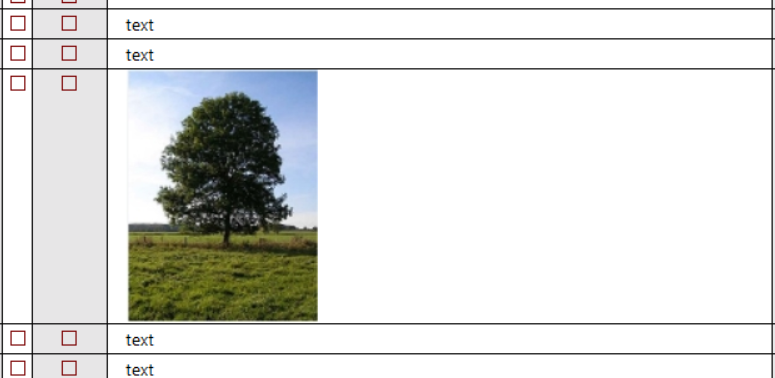
Sometimes, though, I want to see the image inside the grid outline like this:

Usually, when I paste the image it comes in way oversized and I have to go thru multiple steps to reduce the size (eg by going to the document pane, re-sizing, and redoing the screen cap).