On startup, grids do not have the proper custom font sizes and / or don't use the default zoom setting

Forums
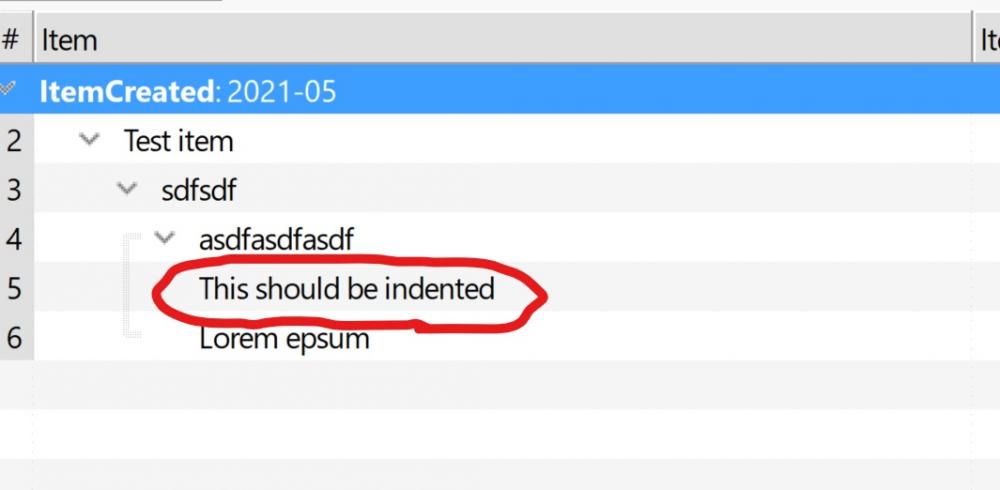
When I first start IQ and it opens the last active grid, that grid will not be displayed with the custom font size set through the Manage Grids dialog and / or the default zoom setting (unless I've set something in options that causes this behaviour and it's as intended?). I then need to reset the zoom setting through the View menu and to refresh the grid (and any other grid I switch to thereafter) to have it display everything in the size I want.